eSIM Travel Routers: Speedy Connections, Lower Costs
The Evolution of Travel Connectivity
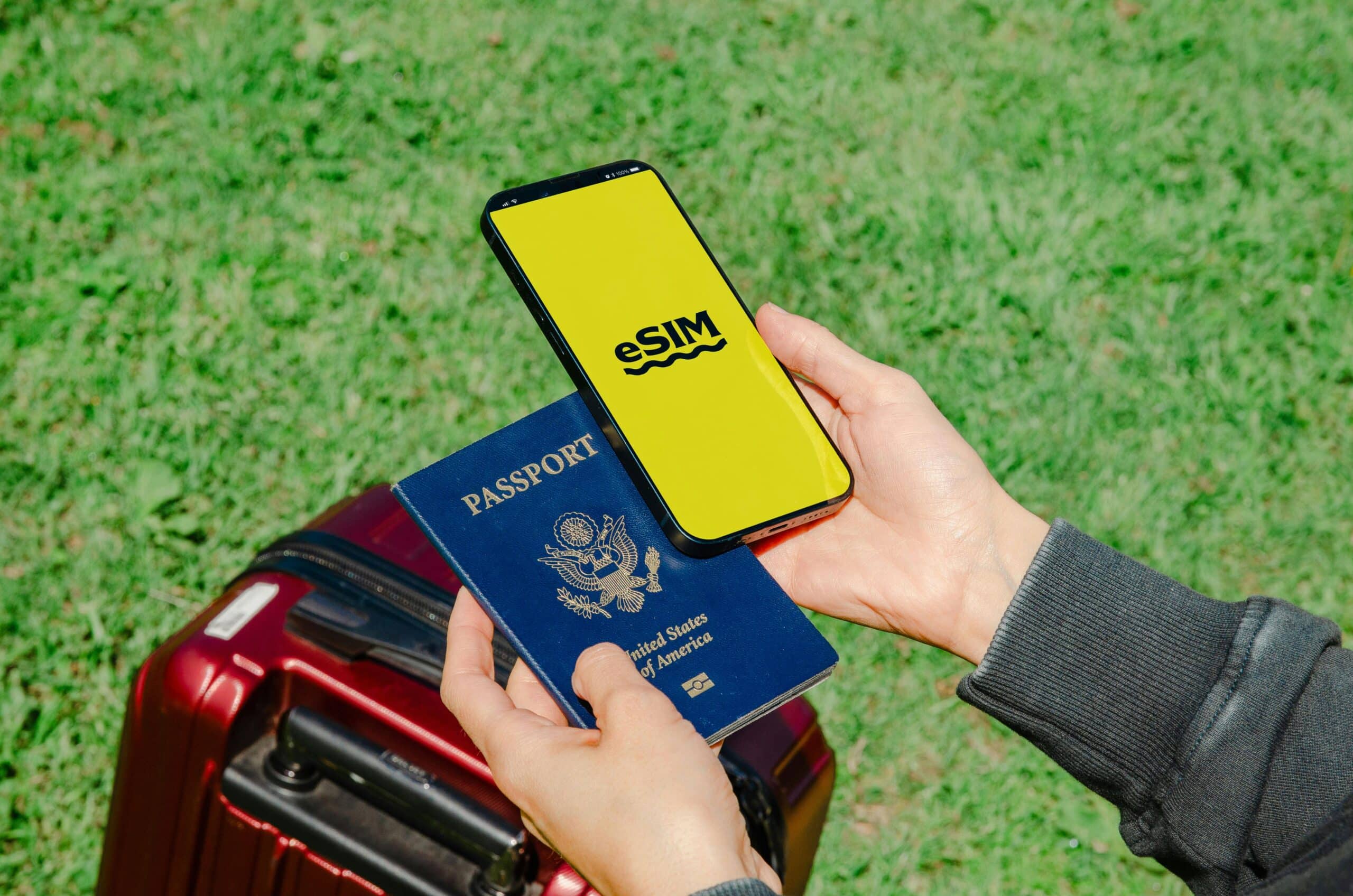
In today’s fast-paced world, a suitcase now competes with a pocket-sized router. With an eSIM-capable hotspot, international data no longer feels like a guessing game. Instead of juggling plastic SIMs or relying on café Wi-Fi, users can scan a QR code, pull down a profile, and share bandwidth across multiple devices—phones, laptops, and even gaming consoles. This ensures that the connection moves with the group, not just one device.
Enterprise logic supports this idea. Media crews, tournament organizers, and platform teams, including companies like Altenar, a leading igaming software provider, treat connectivity as a control knob rather than a gamble. An eSIM router keeps projects online during border crossings, stadium blackouts, or hotel networks that throttle traffic when it spikes.
How an eSIM Router Actually Works
An eSIM router stores multiple operator profiles on an embedded UICC, allowing it to switch between them without opening a tray. A management app or web panel activates a local plan upon arrival, then provides Wi-Fi 6/6E access along with Ethernet for devices that prefer cables. Some models include dual-WAN or failover options, bonding cellular with hotel Ethernet to smooth out poor connections. Behind the scenes, carrier-grade NAT, basic firewalls, and optional VPNs ensure traffic remains private and predictable.
Power is crucial on the road. USB-C PD helps maintain runtime, while pass-through charging turns the router into a travel hub that can charge cameras or handheld devices. Antenna design also plays a role; a compact device with decent MIMO performance often outperforms a larger unit with weaker radios.
When an eSIM Router Makes Sense
Roaming day-passes may seem simple until a team carries five devices. A single eSIM data plan shared across a router often beats per-device charges, especially in regions with strong MVNO competition. Local eSIMs also avoid hidden voice or SMS fees that lurk behind "unlimited" banners. Pure data plans keep the budget transparent. Additional soft savings come from having one payment method, one invoice, and one dashboard.
Features That Actually Matter
- Multi-profile eUICC – Store several regional plans and switch without downtime.
- Band coverage, not just 5G on the box – Support for local LTE/NR bands determines real speed.
- Wi-Fi 6/6E with DFS – Cleaner channels in crowded hotels and venues.
- Failover & bonding – Automatic switch to backup WAN; optional aggregation for livestreams.
- Battery plus pass-through – Hotspot and power bank in one carry.
- Admin you can trust – Per-client limits, usage alerts, captive-portal bypass tools.
- Private networking – WireGuard/OpenVPN for remote work and region-locked dashboards.
Setting Up for Success
Success starts before boarding. Load two or three regional eSIM profiles in advance, confirm APNs, and label each plan by country and cap. Upon arrival, activate the cheapest reliable profile first, then run a quick speed and latency test in the lobby—signal often changes once elevators close. For hotel Ethernet, force the router to present a laptop-like MAC, complete the captive-portal login once, and let the router keep the lease while devices roam freely.
Usage discipline completes the setup. Set per-client bandwidth ceilings for video-happy companions, schedule automatic “quiet hours” at night, and route corporate tools through a VPN while letting entertainment break out locally to save overhead.
Real-World Scenarios That Benefit
Family trips no longer require juggling hotspot toggles. A single SSID follows from the taxi to the museum. Creator teams upload footage from the van instead of burning an evening in a lobby. Remote work avoids SIM swaps at customs desks. Event staff stabilize check-in tablets when venue Wi-Fi collapses under spectators. Even handheld consoles and streaming sticks join the party without arguing with hotel portals.
Caveats and Ethics: What to Expect and How to Behave
Throttling still exists, so expectations should align with signal maps, not wishful thinking. In dense districts, mid-band 5G brings plenty of headroom; in rural areas, LTE with the right bands beats a shiny logo that lacks coverage.
Some carriers police hotspot usage or cap tethering speeds even on “unlimited” lines. Fair-use policies deserve careful reading; short bursts for calls or uploads rarely trigger alarms, but 4K marathons might. CGNAT complicates inbound connections; port-forward dreams should route through a VPN. Streaming services may notice location changes and request reauthentication. Respect local laws on encryption and personal hotspots; a stable trip is better than a hero act.
Smart Habits That Save Data (and Battery)
- Prefer offline maps and playlists – Preload before roaming begins.
- Cap background sync – OS updates, cloud photo backups, and game patches wait for Wi-Fi at home.
- Right-size video – 720p often looks fine on a tablet; set default quality in apps.
- Use per-app VPN rules – Protect work tools without tunneling every movie frame.
- Rotate profiles, not routers – If a plan slows at peak hours, switch to a backup eSIM instead of chasing a new device.
The Quick Math: Why This Tool Wins
A modest daily plan multiplied by four phones across ten days often exceeds a single high-cap eSIM on a router by a wide margin. Add productivity saved from portal battles, and the total cost tilts further. Reliability earns five stars more often than flashy speed tests; predictable 20–50 Mbps with 30–60 ms latency serves video calls, uploads, and cloud IDEs all day.
Bottom Line
An eSIM router transforms connectivity into baggage-ready infrastructure: one setup, many screens, fewer surprises. With the right profiles, a sensible admin, and a small set of travel habits, connection becomes a solved problem rather than a roll of the dice. Faster onboarding, lower bills, calmer evenings — that combination is the real upgrade hiding inside a pocket-sized box.

Post a Comment for "eSIM Travel Routers: Speedy Connections, Lower Costs"
Post a Comment